
For commercial roofing
RoofScan
See where water stands on a commercial roof, how deep, and where the drains should go.
Try the demo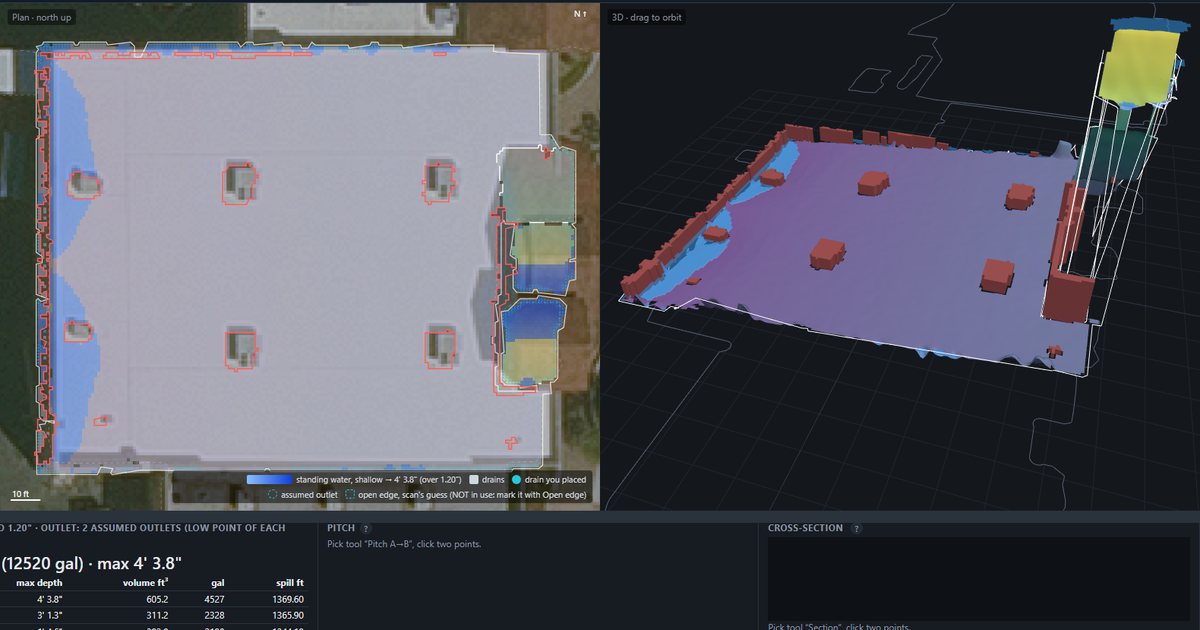
How it works
RoofScan is built from public aerial lidar from the USGS 3D Elevation Program. If an address isn't covered yet, RoofScan tells you. From that data it builds a model of the roof and shows you the standing water (ponding) by depth, how the roof drains, its slope, the rooftop equipment, and a coating takeoff. Then it puts all of it into a PDF report.
Who it's for
- Commercial roofing estimators
- Roofing contractors
- Manufacturer reps
What you get
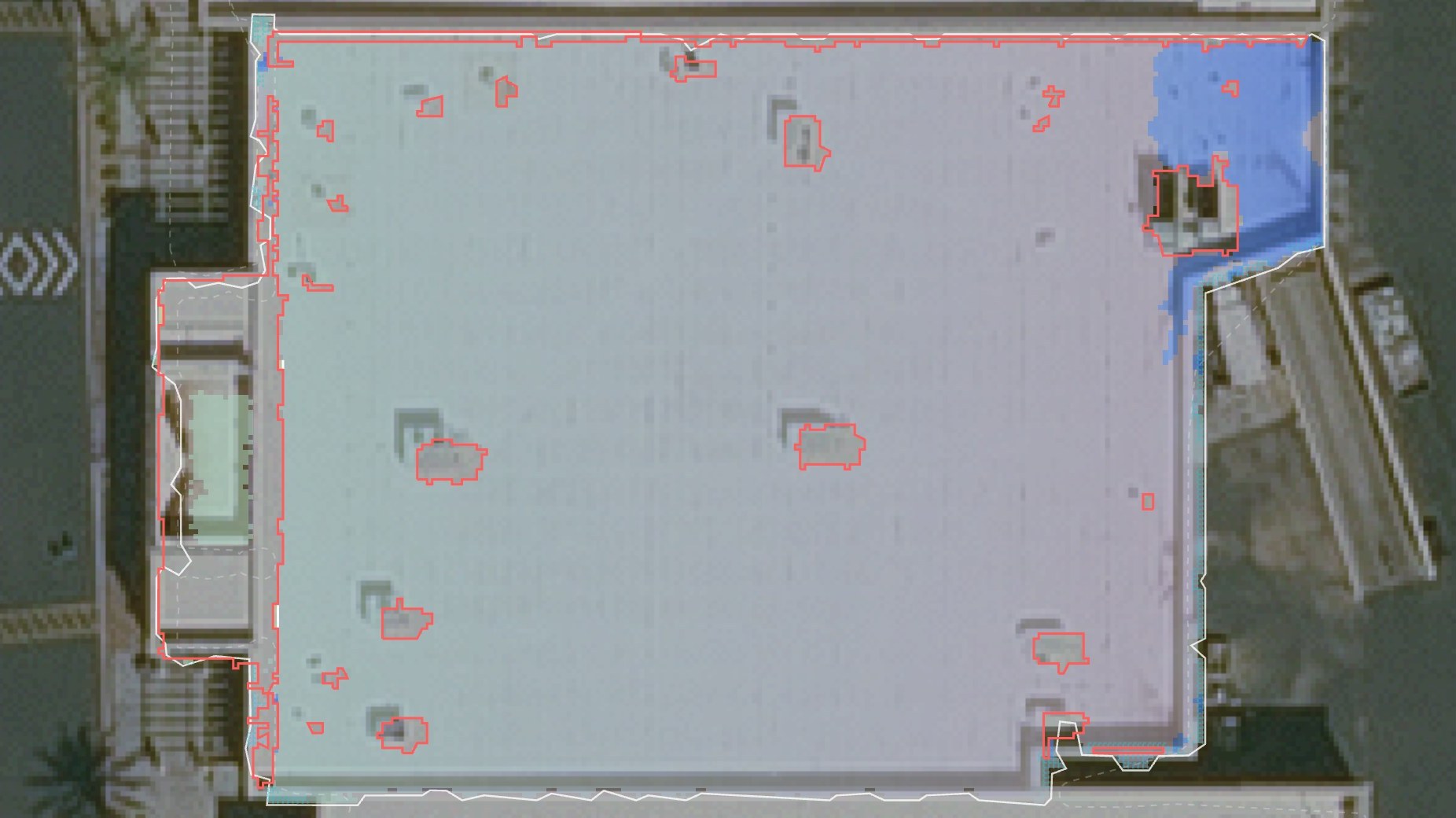
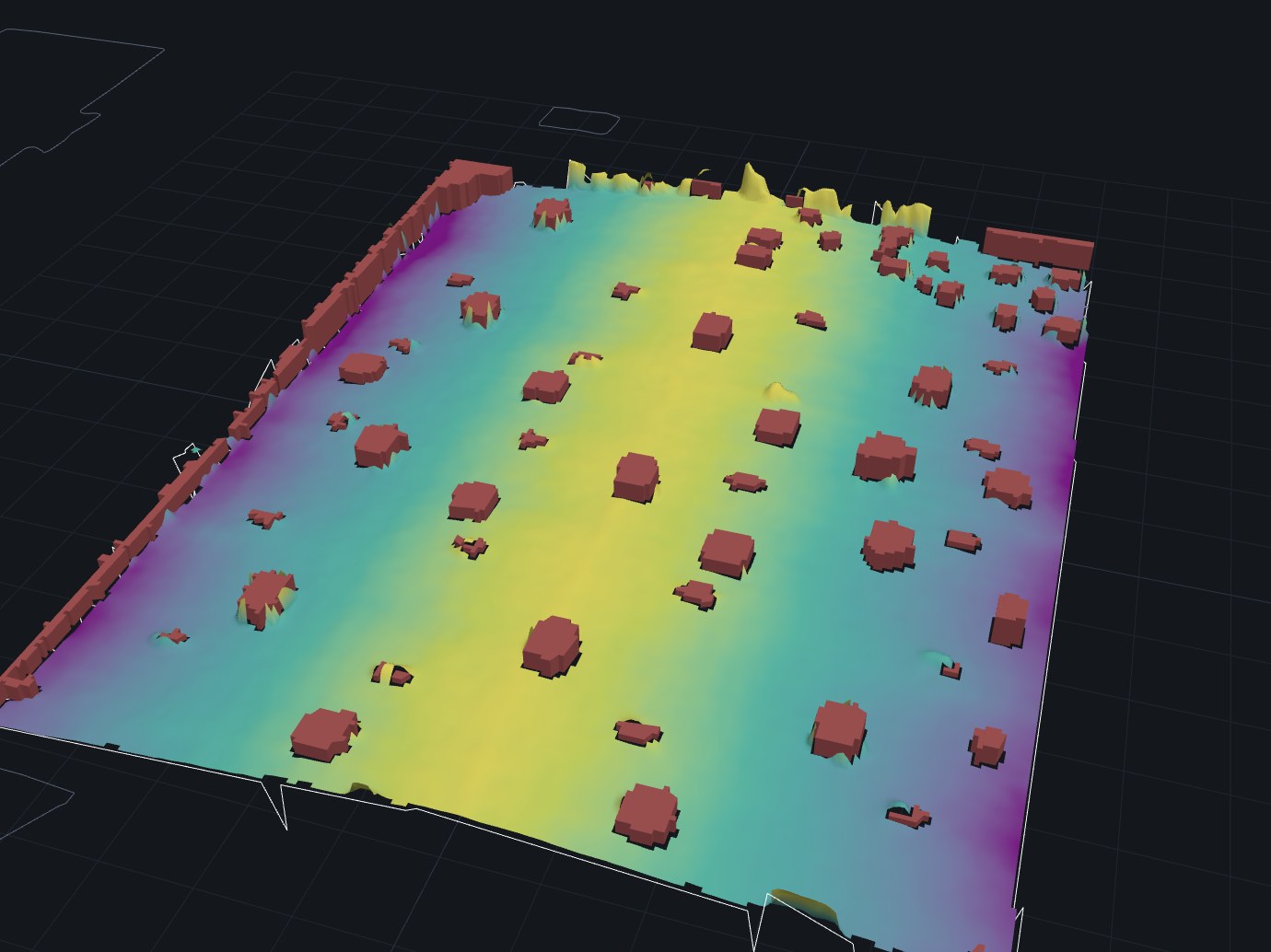
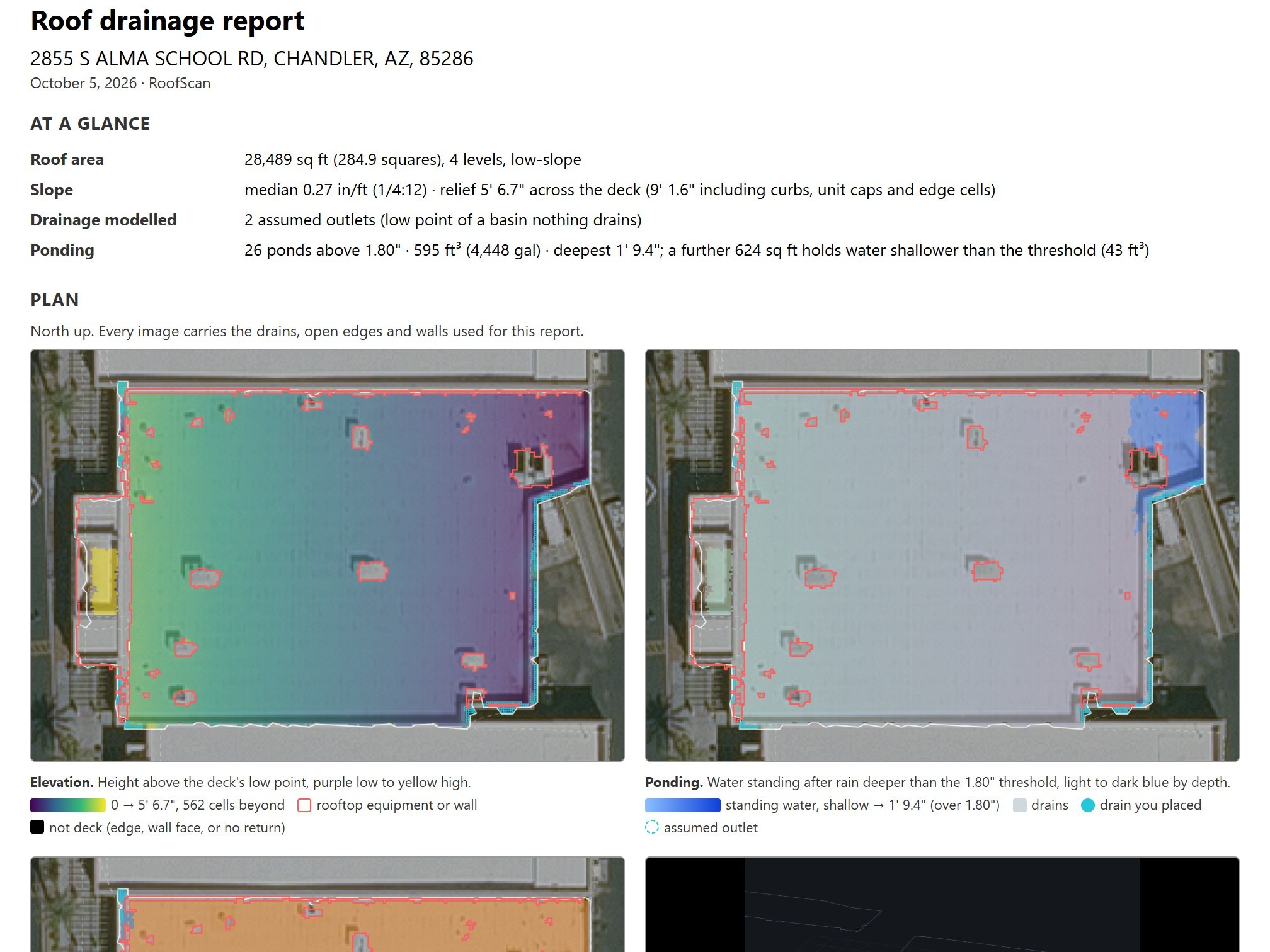
Want it on your roofs?
If you estimate commercial roofs and want to run RoofScan on your own jobs, book a call or send me a message.